| Overview Managing materials just got easier! Our BOM feature helps you stay organized and in control of your construction project needs—all in one place. With BOM, you can:
|
TABLE OF CONTENTS
How to Create a Bill of Materials
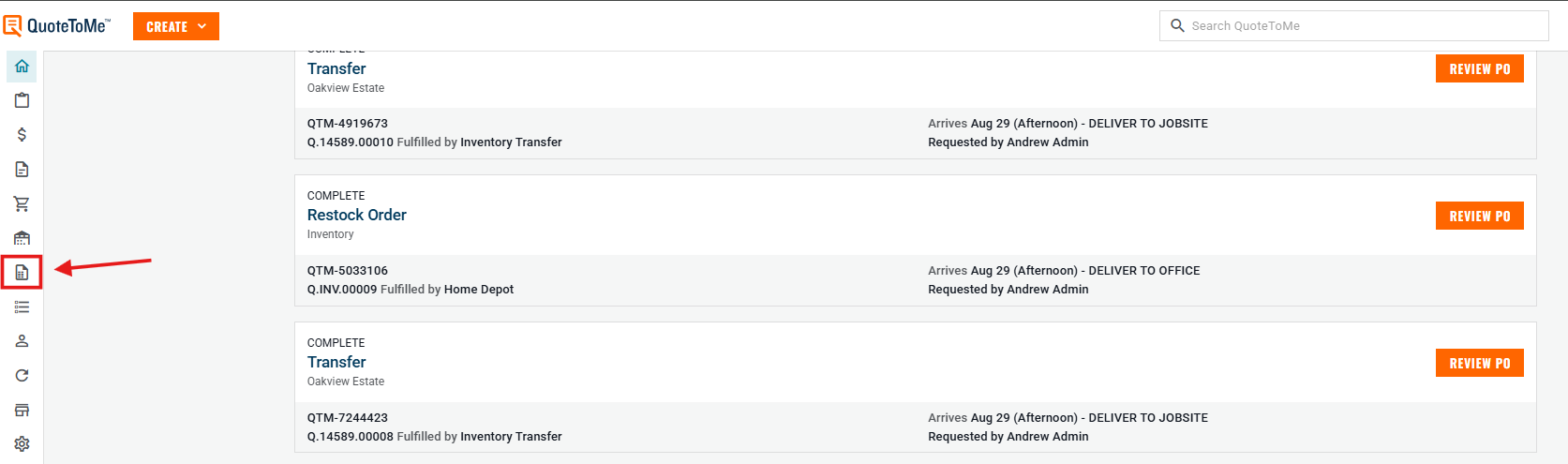
Step 1: Navigate to Bill of Materials
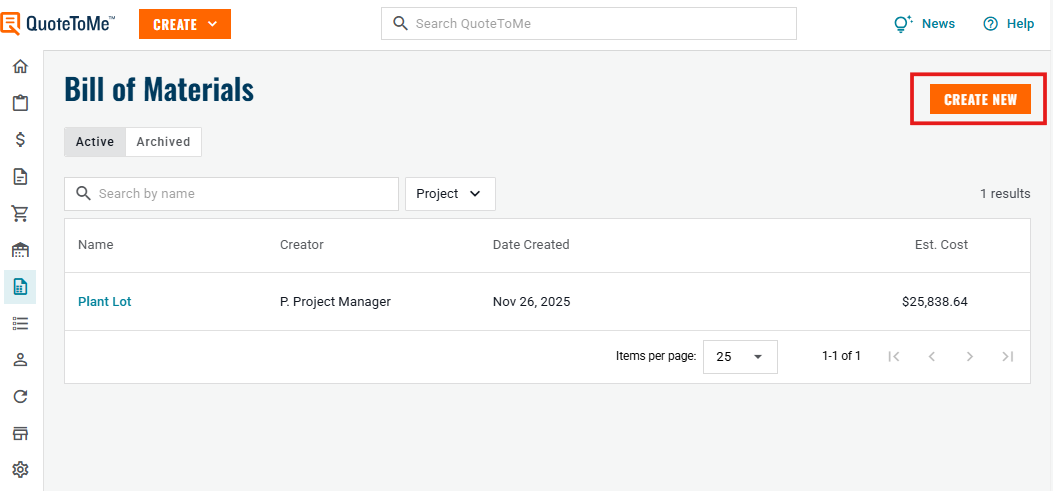
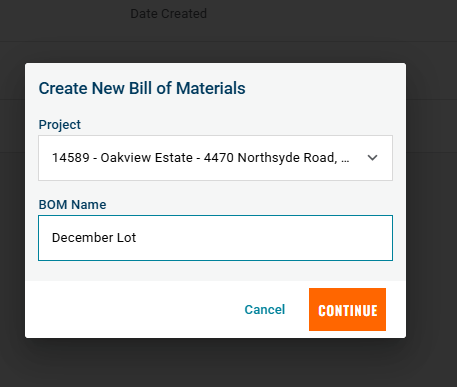
Step 2: Create a New Bill of Materials
Step 3: Add Items to the BOM
- Import via CSV, PDF, or add items manually.

Step 4: Manage Your Bill of Materials
Create Orders, Quote Requests, or Requisitions:
- Select items using the checkboxes on the left.
- Click Create to Get Quotes, Create a PO or a Requisition.

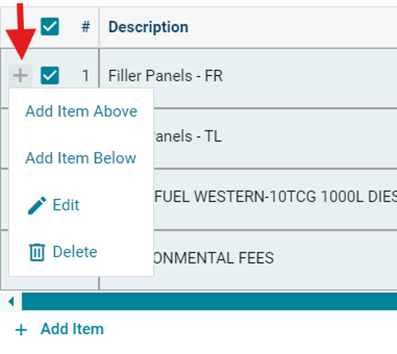
Edit Items:
Use the + button next to an item to edit, add, or delete it.
Archiving a Bill of Materials
- If all items are deleted, you can start over.
- However, if an order has been placed for any items, they cannot be deleted.
- A Bill of Materials can be archived to prevent further edits.
- Use the 3-dot menu on the project page
- Or use the 3-dot menu on the active BOM list.
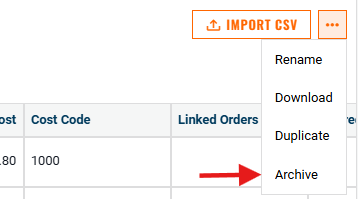

Additional actions available
- Duplicate a Bill of Materials
- Download as a CSV file
- Rename
Need help?
Reach out to our Customer Support team:
- Call us toll-free at 1-833-712-5021
- Chat with us in our web and mobile apps